ติดตั้ง Package ด้วย Yarn หรือ NPM
Yarn
yarn add vue2-editor
NPM
npm install vue2-editor
สร้างไฟล์ชื่อว่า quill-editor.js วางไว้ที่โฟล์เดอร์ plugins ( ~/plugins/quill-editor.js )
โดยมีเนื้อหาในไฟล์ดังกล่าวตามตามนี้
import Vue from "vue";
import { VueEditor } from "vue2-editor";

Vue.use(VueEditor);
ต่อมาเปิดไฟล์ nuxt.config.js ส่วนของ Plugins ให้เพิ่มรายการเรียกไฟล์ quill-editor.js ที่เขียนไว้ขั้นต้น
โดยตั้งค่าการทำงานเฉพาะส่วนของ Client เท่านั้น
export default {
  plugins: [
    { src: '~/plugins/quill-editor.js', mode: 'client' }
  ]
}
สำหรับการใช้งานในหน้า Pages ต่างๆ สามารถเรียก Component ที่ชื่อว่า vue-editor ในส่วนที่ต้องการได้เลย
แต่ต้องครอบด้วยแท็ก <client-only> ตัวอย่างเช่น
<template>
  <div style="padding:30px">
    <client-only>
      <vue-editor v-model="content"></vue-editor>
    </client-only>
  </div>
</template>


<script>
export default {
  data() {
    return {
      content: ''
    }
  }
}
</script>
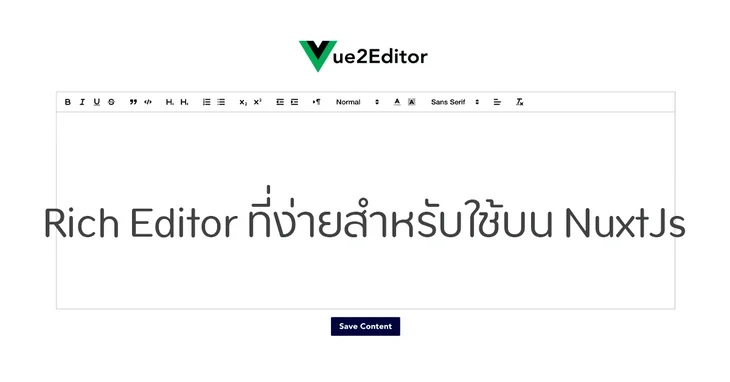
ก็จะได้การแสดงผลพร้อมใช้งานหน้าตาประมาณนี้

เป็นอันเสร็จสมบูรณ์